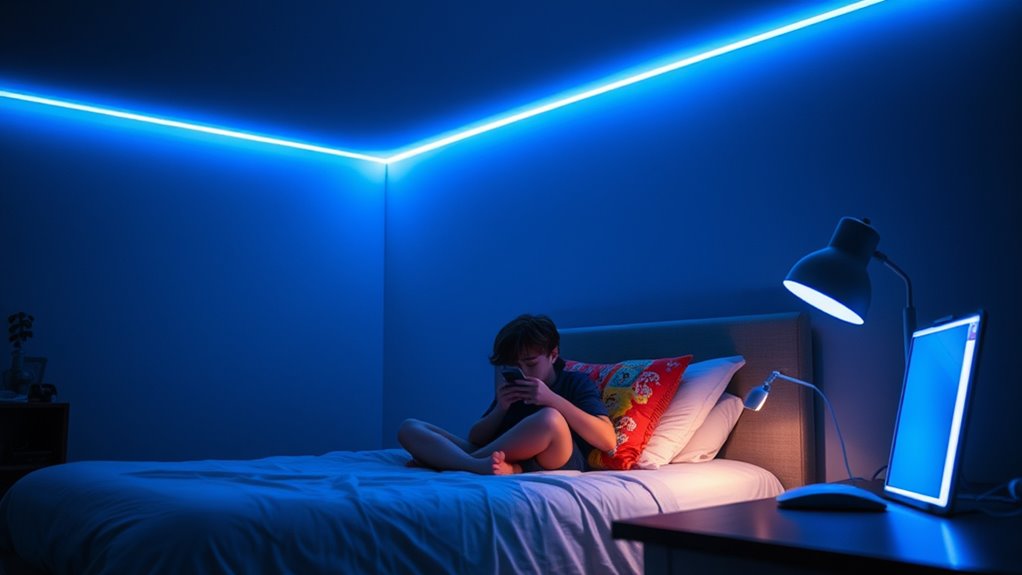

To help teens manage blue light exposure, set realistic screen time limits and encourage breaks every 20 minutes, like the 20-20-20 rule. Use built-in filters such as “Night Mode” or “Blue Light Filter” during evening hours to reduce eye strain and improve sleep. Foster healthy habits by establishing a bedtime routine and keeping screens out of the bedroom at least an hour before sleep. Keep exploring for more effective strategies to support their well-being.
Key Takeaways
- Set and enforce daily screen time limits, especially before bedtime, to reduce blue light exposure and improve sleep quality.
- Encourage regular breaks and movement during screen use with techniques like the 20-20-20 rule and fun activity challenges.
- Use device features such as “Night Mode” or blue light filters in the evening to minimize eye strain and sleep disruption.
- Establish calming bedtime routines, avoid screens an hour before sleep, and create a sleep-friendly environment for better rest.
- Involve teens in setting guidelines to promote responsible habits and model balanced device use and healthy eye practices.
Understanding Blue Light and Its Impact on Teen Health
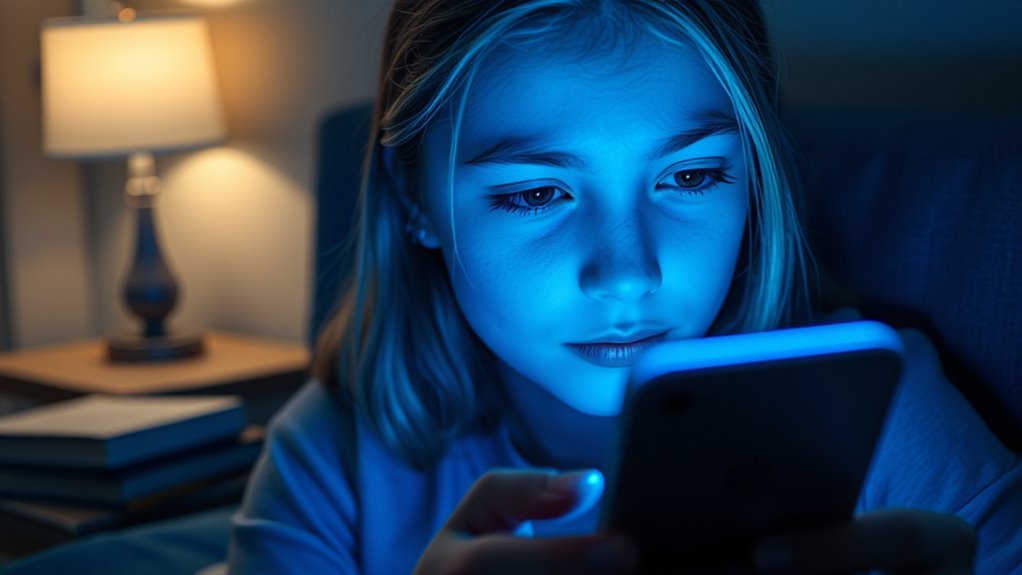
Blue light, a high-energy visible light emitted by screens like smartphones, tablets, and computers, is becoming a common part of teens’ daily lives. Blue light research shows it can affect your sleep patterns and contribute to eye strain. While some studies suggest prolonged exposure might harm teen eye health, the full impact remains under investigation. Experts are exploring how blue light penetrates your eyes and whether it causes long-term damage. As a teen, you might notice digital eye strain, headaches, or difficulty focusing after screen time. Understanding blue light’s effects helps you make informed choices about your screen habits. Staying aware of current blue light research empowers you to protect your eye health and maintain better sleep, which are essential during these formative years. Additionally, screen time management techniques can help reduce potential risks associated with blue light exposure. Research also indicates that blue light filters can be an effective way to lessen exposure and protect your eyes during extended screen use. Implementing protective eyewear designed to block blue light can further reduce potential eye strain and discomfort. Being mindful of your overall screen habits can help balance technology use with your health needs, and understanding the role of eye protection in maintaining long-term eye health is increasingly important.
Setting Screen Time Limits That Are Realistic and Effective
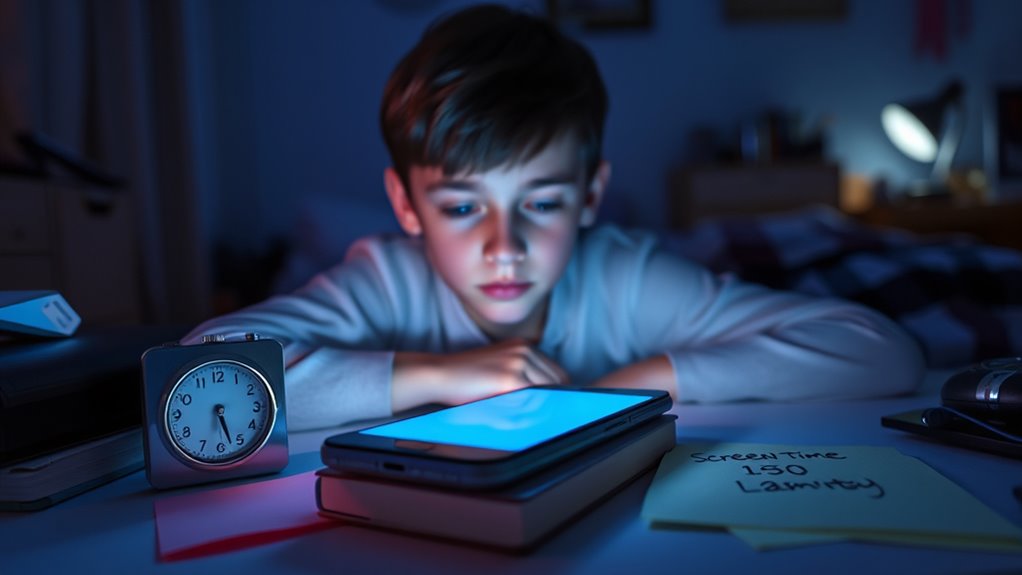
To create screen time limits that truly work, you need to set realistic goals based on your daily routines and priorities. Establish clear family boundaries around device use, such as no screens during meals or an hour before bedtime. These boundaries help your teen develop healthy habits and reduce blue light exposure. Incorporate regular digital detox periods, where screens are turned off to promote mental refreshment and better sleep. Be flexible and involve your teen in setting these limits, ensuring they’re achievable and respected. Remember, strict rules often backfire; instead, aim for consistent, balanced screen time that aligns with your family’s lifestyle. Additionally, understanding sleep hygiene principles can help optimize nighttime routines and improve overall sleep quality, especially when managing screen exposure. Recognizing the importance of healthy sleep habits can further support your teen’s well-being and encourage responsible technology use. Implementing behavioral strategies that promote self-regulation can help your teen develop a more mindful approach to screen use and blue light management. Incorporating environmental modifications, such as dimming screens or using blue light filters, can also make a significant difference in reducing blue light’s impact on sleep and eye health. Being aware of scientific research about blue light effects can help you make more informed decisions about device use and protective measures. This approach fosters responsible use and helps your teen manage blue light exposure more effectively.
Encouraging Breaks and Physical Activity During Screen Use

To keep teens healthy during screen time, it’s important to set regular break times and encourage movement. You can make it fun by adding movement challenges or using reminders to prompt breaks. These strategies help balance screen use with physical activity and reduce eye strain. Incorporating movement challenges can further motivate teens to stay active and reduce the negative effects of prolonged screen exposure. Establishing consistent routines that include recommended screen time limits can also support healthier habits and prevent overuse. Additionally, introducing physical activity options like quick exercises or stretching during breaks can make the process more engaging and effective. Recognizing the importance of healthy role models in demonstrating balanced screen habits can reinforce these behaviors for teens. Setting clear boundaries around device use can further help teens develop responsible habits and avoid excessive screen time.
Set Regular Break Times
Setting regular break times is essential for helping teens manage their screen use effectively. By taking consistent pauses, you reduce eye strain and give your eyes a much-needed digital detox. Encourage your teen to follow the 20-20-20 rule: every 20 minutes, look at something 20 feet away for at least 20 seconds. This practice helps prevent fatigue and discomfort caused by prolonged screen time. Scheduling breaks also promotes mental clarity and physical movement, breaking up long sessions of sitting still. Remind your teen that these breaks aren’t just about resting their eyes—they’re an opportunity to stretch, move around, and refresh their focus. Establishing a routine that balances screen time with regular breaks supports healthier habits and protects their eyesight in the long run. Incorporating safe power management practices into their device use can further enhance overall safety and reduce risks associated with continuous screen time. Additionally, using energy-efficient features can help minimize device overheating and energy consumption during extended use.
Incorporate Movement Challenges
Encouraging your teen to incorporate movement challenges during their screen time can make a big difference in maintaining their energy and focus. Break up long sessions with activities like eye exercises or posture correction stretches to reduce strain. You can create fun challenges, such as standing up every 20 minutes or doing quick yoga poses. To help them stay motivated, try this table:
| Movement Challenge | Benefits |
|---|---|
| Eye exercises | Reduce eye fatigue |
| Posture correction stretches | Improve spinal health |
| Short movement breaks | Boost energy and focus |
These simple tasks keep screen time active, improve posture, and prevent fatigue—making digital use healthier and more engaging. Incorporating ergonomic solutions like adjustable desks and proper monitor placement can further support their comfort during extended screen use. Additionally, encouraging regular physical activity outside of screen time can greatly enhance overall well-being and help balance their daily routines. Moreover, fostering awareness about halal dietary practices can be beneficial for teens who are mindful of their food choices, ensuring they maintain their dietary principles even in busy schedules. Recognizing the importance of balanced routines, including sleep and nutrition, can also help in promoting healthier screen habits.
Use Reminders Effectively
Using reminders effectively can help your teen develop healthier screen habits by prompting them to take regular breaks and stay active. Set timers or use apps that remind them to pause their screen time for a quick digital detox, reducing eye strain and encouraging movement. These prompts support parental monitoring without being intrusive, helping your teen recognize when it’s time to step away. Encourage them to stretch, walk, or do simple physical activities during breaks to break up prolonged screen use. Consistent reminders reinforce the importance of balancing screen time with physical activity, fostering healthier habits. Over time, your teen will learn to listen to these cues, making mindful choices that protect their eyes and overall well-being.
Utilizing Technology to Reduce Blue Light Exposure

You can minimize blue light exposure by adjusting your device’s screen settings or using built-in blue light filters. These tools are easy to turn on and help reduce eye strain during extended screen time. Taking advantage of these features allows you to protect your eyes without sacrificing screen use. Additionally, being aware of brewing methods and how they influence light exposure can further support healthy habits. Using tools that help detect passive voice can also improve your writing clarity and effectiveness. Incorporating screen time management techniques can further optimize your digital habits and minimize eye fatigue.
Screen Settings Adjustments
Adjusting your device’s screen settings can substantially reduce blue light exposure, which is linked to disrupted sleep and eye strain. Start by lowering your screen brightness to comfortable levels; brighter screens emit more blue light. Additionally, adjust the font size to make reading easier on your eyes, reducing strain during long sessions. Larger fonts help decrease the need to squint or lean in closer, which can cause fatigue. Many devices allow you to customize these settings easily, so take a moment to explore your options. Reducing screen brightness and increasing font size not only minimizes blue light exposure but also makes screen time more comfortable, especially during evening hours. Making these small changes can significantly improve your eye health and sleep quality.
Blue Light Filters
Blue light filters are effective tools that help minimize blue light exposure from screens, especially during evening use. When you enable these filters, they reduce the amount of blue light reaching your eyes, which can help decrease eye strain after long periods of screen time. Many devices now have built-in blue light filter settings, like “Night Mode” or “Blue Light Filter,” making it easy to activate them automatically during certain hours. Using these filters can improve your comfort and help prevent headaches and tired eyes. Keep in mind that consistent use of blue light filters can support better eye health and promote more restful sleep. Incorporate these tools into your daily routine to protect your eyes and reduce the adverse effects of prolonged screen exposure.
Promoting Sleep Hygiene in a Digital World
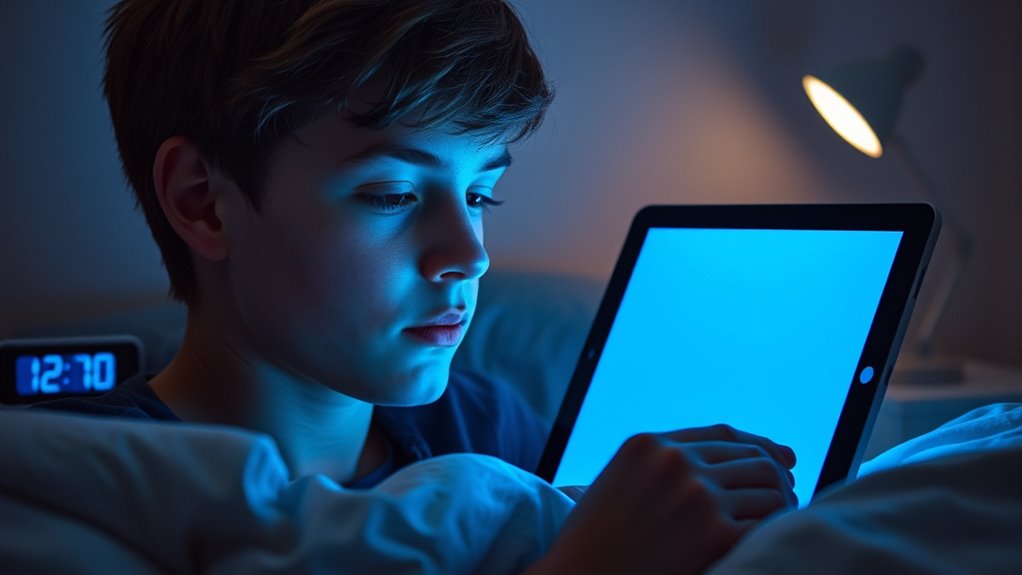
As teenagers increasingly spend time on screens before bed, establishing good sleep hygiene becomes more important than ever. Creating a consistent bedtime routine helps signal to your body that it’s time to wind down, supporting healthy cognitive development and emotional regulation. Limiting screen use at least an hour before bed reduces blue light exposure, which can interfere with melatonin production. Avoiding stimulating activities, such as intense gaming or social media scrolling, helps your mind relax. Keep your bedroom cool, dark, and quiet to promote restful sleep. Prioritize relaxing activities like reading or listening to calming music instead of screens. These habits strengthen your sleep patterns, helping you wake up refreshed, sharper, and better equipped to handle daily emotional challenges.
Educating Teens About the Risks and Benefits of Technology
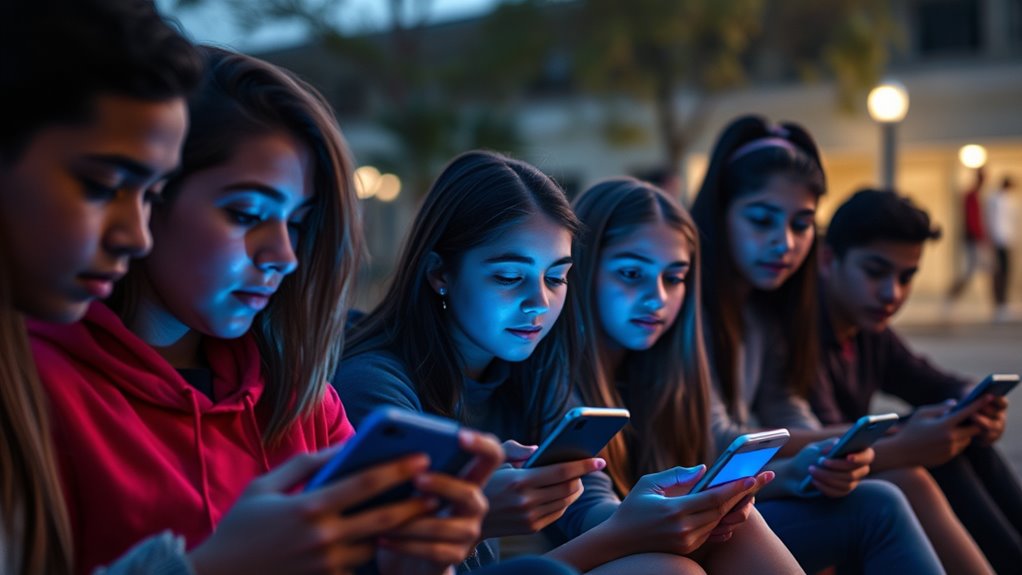
Understanding the risks and benefits of technology is essential for teens to make informed choices about their digital habits. Educating yourself about both sides helps you recognize when screen time is helpful or harmful. For example, a digital detox can reset your focus and reduce eye strain from blue light exposure, improving your overall well-being. Peer influence plays a big role in how you use devices—surrounding yourself with friends who promote balanced screen habits encourages healthier choices. Learning about these factors empowers you to set boundaries and ask questions about the technology you use daily. By understanding the pros and cons, you can take control of your digital life, making smarter decisions that support your health and social connections.
Creating a Supportive Environment for Healthy Screen Habits

Creating a supportive environment is key to helping teens develop healthy screen habits. Open family communication encourages teens to share their experiences and concerns about screen time, making it easier to set boundaries together. When you discuss the importance of balanced technology use, you foster trust and understanding. Peer support also plays a vital role—teens are more likely to follow healthy habits if their friends prioritize similar routines. Encourage group activities that don’t involve screens, and celebrate when teens make conscious choices about their screen time. By creating a home environment that values honest conversations and peer encouragement, you help your teen develop habits that protect their well-being while still enjoying technology responsibly.
Frequently Asked Questions
How Can Parents Monitor Their Teen’s Screen Time Without Seeming Overly Restrictive?
You can monitor your teen’s screen time by setting clear parental boundaries that are fair and consistent. Use trust-building strategies like open conversations about online activities and reasons for limits, rather than strict restrictions. Encourage your teen to share their online experiences and involve them in establishing rules. This collaborative approach helps them feel respected while you stay informed, fostering responsibility without seeming overly restrictive.
What Are the Signs That Blue Light Might Be Affecting My Teen’s Sleep or Mood?
Think of blue light as a sneaky burglar disrupting your teen’s sleep and mood. If you notice sleep disturbances, like trouble falling asleep or waking up exhausted, it’s a red flag. Mood swings, irritability, or withdrawal can also signal blue light’s impact. Keep an eye on these signs, and encourage tech breaks before bed. Addressing these cues early helps restore balance and improves overall well-being.
Are There Specific Apps or Devices Recommended to Limit Blue Light Exposure Effectively?
You should try using screen time apps like Freedom or Family Link to set limits on your teen’s device use. Look for apps that include blue light filters or allow you to schedule them automatically, especially before bedtime. Devices like smartphones and tablets also have built-in blue light reduction settings, like Night Shift on iOS or Night Mode on Android. These tools help reduce exposure and improve sleep and mood.
How Do Cultural Differences Influence Attitudes Toward Screen Time and Blue Light Habits?
Think of cultural perceptions like different languages shaping how you view screen time. In some cultures, screen etiquette emphasizes balance, while others see constant connectivity as normal. For example, in Japan, screen use is more regulated, reflecting respect for rest. Your attitudes toward blue light habits are influenced by these cultural norms, which shape your behavior and expectations around screen time, making some habits easier or harder to adopt.
What Are Creative Ways to Encourage Offline Social Activities Among Teens?
You can encourage offline social activities by organizing outdoor adventures like hikes or sports, which promote connection and physical activity. Hosting creative workshops such as art, music, or cooking classes provides fun, hands-on ways for teens to bond without screens. Promote these activities through school events or community centers, emphasizing the joy of face-to-face interactions. These engaging options help teens build meaningful relationships while enjoying the outdoors and their creativity.
Conclusion
By setting practical boundaries and encouraging healthy habits, you can steer teens through the digital jungle like a trusted guide. Remember, it’s not about banning screens but creating a balanced pathway that protects their sleep and well-being. Think of these guardrails as the lighthouse guiding a ship safely to shore—helping teens navigate technology’s waves without capsizing their health. With these tools, you empower them to thrive both online and offline.