
If your tracker seems to be misreading your pet’s movements in bed, you’re probably noticing inaccurate activity or sleep stats. Pet movements like twitching, shifting, or stillness can confuse your device, especially if it’s calibrated for humans. Placement and sensitivity settings also play a role. To improve accuracy, try adjusting your device’s settings or changing its position. Keep exploring further—you’ll find helpful tips to better interpret your tracker’s data and reduce false readings.
Key Takeaways
- Pet movements like twitching or shifting can be mistaken for human activity, causing inaccurate sleep or activity reports.
- Trackers calibrated for humans may misinterpret subtle or sudden pet motions, leading to false readings.
- Device placement, such as wrist-worn versus bed sensors, influences the ability to distinguish between pet and human movements.
- Regular firmware updates and sensitivity adjustments can help improve detection accuracy of pet activities.
- Understanding common pet behaviors helps interpret tracker data and reduce misreadings caused by pet movements.
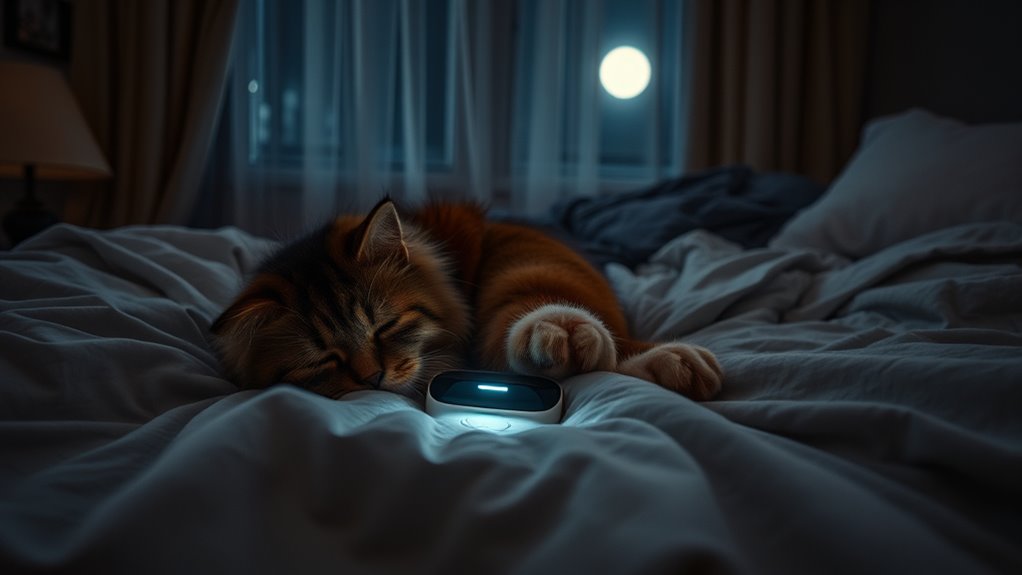
Many pet owners have experienced the frustration of their activity trackers misreading pets in bed as human movement. It’s a common issue, especially when your device struggles to distinguish between your pet’s activity and your own. Understanding why this happens begins with recognizing pet behavioral patterns. Pets often move differently than humans, with sudden shifts, twitching, or even resting still for hours. These natural behaviors can confuse trackers if they aren’t designed to recognize the subtle differences between human and animal movements. When your device registers a lot of activity during the night, it might interpret your pet’s quiet shifting as restless human movement, leading to inaccurate sleep or activity reports.
Pet movements at night can confuse activity trackers, causing inaccurate sleep and activity readings.
Device calibration issues are another major factor contributing to these misreadings. Most activity trackers rely on sensors calibrated for human motion, so when your pet’s movements are detected, the device may not interpret them correctly. If your tracker isn’t properly calibrated to recognize smaller or different types of motion, it can mistake a pet’s twitch or stretch for human activity. Over time, calibration can drift, especially if the device is jostled or exposed to environmental factors like temperature changes, leading to more frequent misreading. Ensuring your device is correctly calibrated is essential. Some trackers have settings or updates that help fine-tune the sensitivity for different users or devices, but many require manual calibration or regular software updates to maintain accuracy. Additionally, advancements in sensor technology are helping devices better differentiate between various types of motion, which can reduce these errors.
It’s also worth noting that the placement of your tracker impacts how accurately it detects movement. When you wear your device on your wrist, it’s more likely to pick up your own motions and overlook your pet’s. Conversely, if you attach it to your bed or use a different sensor type, it might better distinguish between pet and human activity—though not always perfectly. Additionally, the design and sensitivity of your tracker influence how well it discriminates pet movements. Some models are more advanced, offering specific modes or settings to better differentiate between human and animal motion, but many standard devices aren’t optimized for this purpose.
To improve accuracy, you can try adjusting your device’s sensitivity settings, updating the firmware, or experimenting with different placement options. Recognizing your pet’s behavioral patterns and understanding the device’s calibration limits can help you interpret data more accurately. Ultimately, these factors combine to create the challenge of correctly tracking activity when pets are in bed. With some tweaks and awareness, you can reduce misreadings and get a clearer picture of your own activity and sleep, even when your furry friend is sharing your bed.
Frequently Asked Questions
How Can I Recalibrate My Pet Tracker?
To recalibrate your pet tracker, start by adjusting the device sensitivity settings in the app or device menu. Use calibration techniques like placing your pet in a controlled environment to observe how the tracker responds. Confirm the tracker is snug but comfortable, and perform a test walk or activity to fine-tune its accuracy. Regularly calibrating helps prevent misreading, especially if your pet’s activity level or environment changes.
Are Certain Bed Types More Prone to Misreading?
Certain bed types, especially those with softer mattress material or memory foam, are more prone to misreading your pet. These mattresses can dampen or distort the tracker’s signals, making it harder for your device to accurately detect your pet’s presence. To improve accuracy, consider using a more stable bed type or placing the tracker in a different location. This helps guarantee your tracker reads your pet reliably, regardless of bed type.
Does the Tracker Affect My Pet’s Sleep Quality?
Absolutely, your tracker’s influence on your pet’s sleep is profound—if you believe it’s a silent sleep disruptor. In reality, trackers are designed for accuracy, not chaos. They won’t disturb pet sleep patterns unless you’re obsessively checking data at 3 a.m. The key is trusting the device’s accuracy, so you can focus on cuddles, not calibration. Rest assured, your pet’s sleep quality isn’t compromised by a little tech.
Can Multiple Pets Cause Inaccurate Tracking?
Yes, having multiple pets can cause inaccuracies in your tracker’s accuracy, especially when monitoring pet sleep. When several animals share the bed, the device may struggle to distinguish between their movements, leading to misreadings. To improve tracker accuracy, consider placing the device closer to individual pets or using separate trackers. This way, you’ll get clearer insights into each pet’s sleep patterns and maintain reliable data.
What Features Help Prevent False Readings?
Sensors placed correctly and choosing the right bed material can prevent false readings. You should position sensors away from pet zones and guarantee they’re snug but not tight. Opt for breathable, smooth fabrics to avoid interference. These features help your tracker distinguish between pets and humans, reducing errors. Proper sensor placement combined with suitable bed material creates more accurate tracking, so you can confidently monitor your activity without false alerts.
Conclusion
So, while your tracker might mistake your furry friend for a human, it’s a small reminder of the special bond you share. That tiny misreading may seem frustrating, but it also highlights how much your pet’s presence comforts and connects you. In a world obsessed with precision, sometimes the little imperfections—like a tracker’s error—are what make life truly meaningful. Embrace those quirks; they’re proof of the love and warmth only your pet brings.