

When choosing the best 15-inch MacBook Air, I focus on display quality, processing power, memory, and battery life. I look for models with the powerful M4 chip, plenty of RAM like 16GB or 24GB, and a vibrant Liquid Retina display supporting a billion colors. Connectivity options like Thunderbolt 4 and Wi-Fi 6E are also important, as well as security features like Touch ID. Keep exploring to learn which configurations suit your needs best.
Key Takeaways
- Prioritize configurations with 24GB RAM for optimal multitasking and large file handling.
- Choose models with higher storage capacity (e.g., 1TB SSD) for demanding workflows and media storage.
- Opt for the M4 chip with a 10-core CPU and 8-core GPU for top-tier performance in creative tasks.
- Consider the 15.3-inch Liquid Retina display for enhanced workspace and visual clarity.
- Evaluate battery life and connectivity features like Thunderbolt 4 and Wi-Fi 6E for versatile, all-day usage.

Apple 2025 MacBook Air 15-inch Laptop with M4 chip: Built for Apple Intelligence, 15.3-inch Liquid Retina Display, 24GB Unified Memory, 512GB SSD Storage, 12MP Center Stage Camera, Touch ID; Silver
- Display: 15.3-inch Liquid Retina Display
- Processor: Powered by M4 chip for speed
- Memory: 24GB Unified Memory
As an affiliate, we earn on qualifying purchases.
Apple MacBook Air 15-inch Laptop with M4 Chip
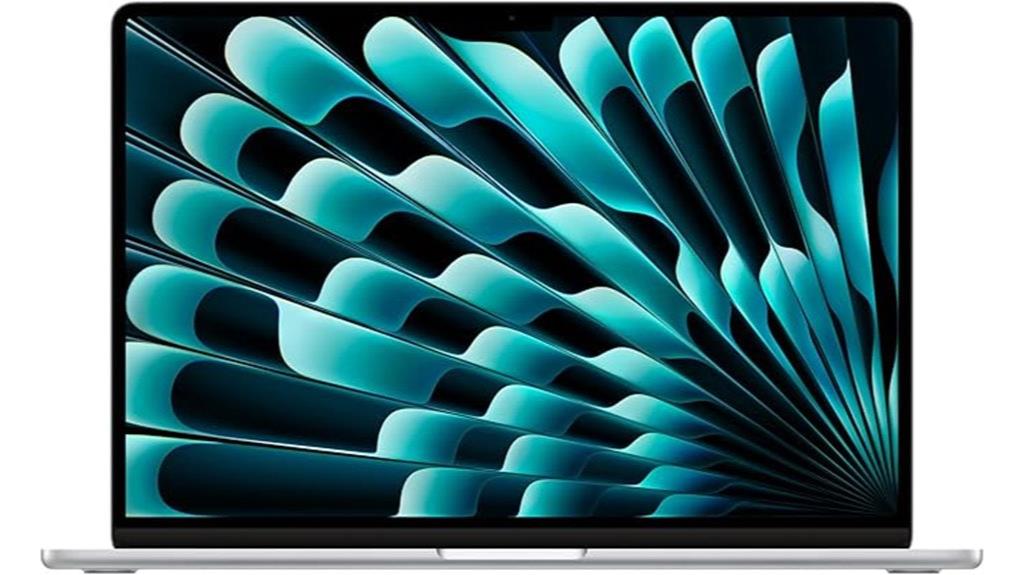
If you’re looking for a lightweight yet powerful laptop, the Apple MacBook Air 15-inch with the M4 chip is an excellent choice. Its sleek, ultra-portable design makes it easy to carry everywhere. The 15.3-inch Liquid Retina display supports a billion colors, delivering vibrant visuals, sharp details, and crisp text. Powered by the M4 chip, it offers impressive speed and multitasking, perfect for demanding tasks like video editing or gaming. With up to 18 hours of battery life, you get reliable performance all day. Plus, its high-quality camera, audio, and connectivity options make it a versatile device for work and entertainment.
Best For: users seeking a lightweight, high-performance laptop with a stunning display for work, creative projects, and entertainment.
Pros:
- Ultra-portable and sleek design for easy portability
- Vibrant 15.3-inch Liquid Retina display with rich colors and sharp visuals
- Powerful M4 chip delivers exceptional multitasking and speed for demanding tasks
Cons:
- Limited to two external displays, which may restrict multi-monitor setups
- Higher price point compared to some Windows alternatives
- No built-in Ethernet port, requiring adapters for wired connections

Apple 2025 MacBook Air 13-inch Laptop with M4 chip: Built for Apple Intelligence, 13.6-inch Liquid Retina Display, 24GB Unified Memory, 512GB SSD Storage, 12MP Center Stage Camera, Touch ID; Sky Blue
- Processor: Powered by Apple M4 chip for speed
- Battery Life: Up to 18 hours of battery life
- Display: 13.6-inch Liquid Retina display
As an affiliate, we earn on qualifying purchases.
Apple MacBook Air 13-inch Laptop with M4 Chip
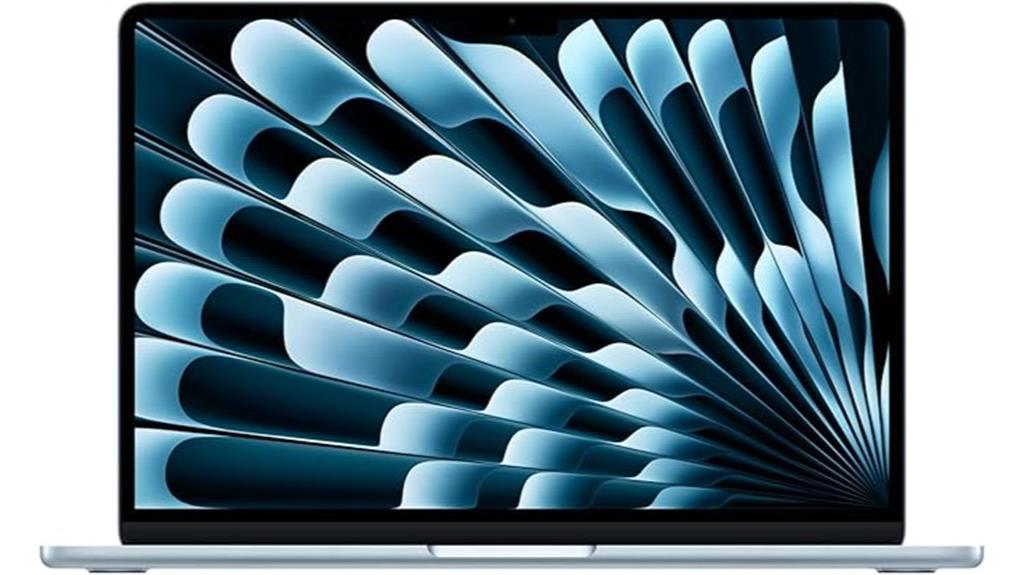
The Apple MacBook Air 13-inch with the M4 chip is perfect for users who need powerful performance in a lightweight, portable design. Its 13.6-inch Liquid Retina display supports a billion colors, delivering sharp detail, rich contrast, and supercrisp text. Powered by the M4 chip, it handles multitasking, video editing, and gaming with ease, all while providing up to 18 hours of battery life. The laptop includes a 12MP Center Stage camera, four speakers with Spatial Audio, and supports two external displays. With Touch ID, fast connectivity, and seamless iPhone integration, this MacBook combines performance, security, and portability in one stylish package.
Best For: users seeking a lightweight, powerful laptop with excellent display quality and seamless iPhone integration for productivity and creative tasks.
Pros:
- Superior Liquid Retina display with support for a billion colors and sharp detail
- Long-lasting battery life of up to 18 hours for all-day use
- Strong performance with M4 chip, ideal for multitasking, video editing, and gaming
Cons:
- Limited to two external displays, which may be insufficient for some professional setups
- Higher price point compared to other ultrabooks with similar specs
- Lack of an SD card slot or other expandability options

Apple 2025 MacBook Air 15-inch Laptop with M4 chip: Built for Apple Intelligence, 15.3-inch Liquid Retina Display, 24GB Unified Memory, 512GB SSD Storage, 12MP Center Stage Camera, Touch ID; Sky Blue
- Display: 15.3-inch Liquid Retina Display
- Processor: Powered by M4 chip for speed
- Memory: 24GB Unified Memory
As an affiliate, we earn on qualifying purchases.
Apple MacBook Air 15-inch Laptop with M4 Chip
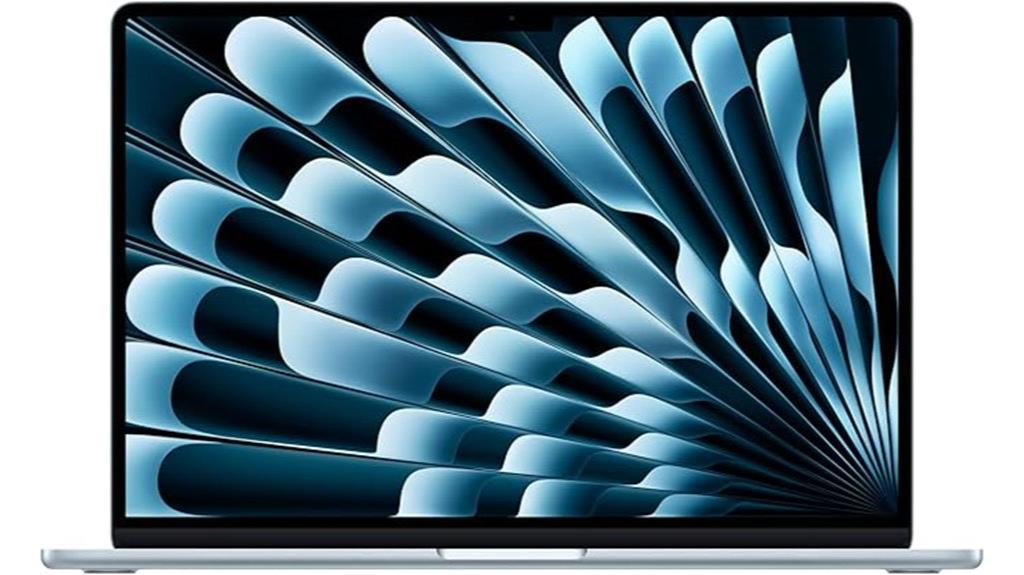
For those seeking a portable yet powerful laptop, the Apple MacBook Air 15-inch with M4 chip stands out as an ideal choice. Its stunning 15.3-inch Liquid Retina display supports a billion colors, delivering vibrant visuals with sharp detail and rich contrast. Powered by the M4 chip, it handles multitasking, video editing, and even gaming with ease, while the 24GB of unified memory and 512GB SSD storage ensure smooth performance. With up to 18 hours of battery life, it’s perfect for on-the-go use. Features like the 12MP Center Stage camera, six speakers with Spatial Audio, and seamless Apple ecosystem integration make this model both versatile and convenient.
Best For: those who need a portable, high-performance laptop for work, creative projects, and entertainment on the go.
Pros:
- Stunning 15.3-inch Liquid Retina display with vibrant colors and sharp detail
- Powerful M4 chip with 24GB of unified memory for smooth multitasking and demanding tasks
- Up to 18 hours of battery life, ideal for extended use without frequent charging
Cons:
- Limited to two external display support, which may be restrictive for some users
- Premium price point may be a consideration for budget-conscious buyers
- Slightly heavier than smaller ultralight laptops, affecting maximum portability
Apple 2025 MacBook Air 13-inch Laptop with M4 chip: Built for Apple Intelligence, 13.6-inch Liquid Retina Display, 16GB Unified Memory, 256GB SSD Storage, 12MP Center Stage Camera, Touch ID; Sky Blue
- Processor: Powered by Apple M4 chip for speed
- Battery Life: Up to 18 hours of use
- Display: 13.6-inch Liquid Retina display
As an affiliate, we earn on qualifying purchases.
Apple 2025 MacBook Air 13-inch Laptop with M4 Chip

Designed for those who need a powerful yet portable machine, the Apple 2025 MacBook Air 13-inch with the M4 chip delivers impressive performance in a sleek, lightweight package. Its 13.6-inch Liquid Retina display supports a billion colors, offering vibrant visuals and sharp details. The M4 chip guarantees fast, smooth multitasking, video editing, and gaming, with up to 18 hours of battery life. It features a 12MP Center Stage camera, three microphones, and four speakers for excellent video calls and audio quality. With Wi-Fi 6E, Bluetooth 5.3, and seamless Apple ecosystem integration, this MacBook Air is perfect for on-the-go productivity and entertainment.
Best For: users seeking a lightweight, powerful laptop with excellent display quality, long battery life, and seamless Apple ecosystem integration for productivity and entertainment.
Pros:
- Vibrant 13.6-inch Liquid Retina display supporting a billion colors for stunning visuals
- Fast and smooth performance with the Apple M4 chip, ideal for multitasking, video editing, and gaming
- Up to 18 hours of battery life ensures long-lasting usage without frequent charging
Cons:
- Limited to two external displays, which might restrict multi-monitor setups for some users
- Only available in Sky Blue, which may not suit everyone’s color preferences
- Absence of dedicated GPU options, potentially affecting high-end gaming or advanced graphics tasks
Apple MacBook Air 15-inch Laptop with M4 Chip
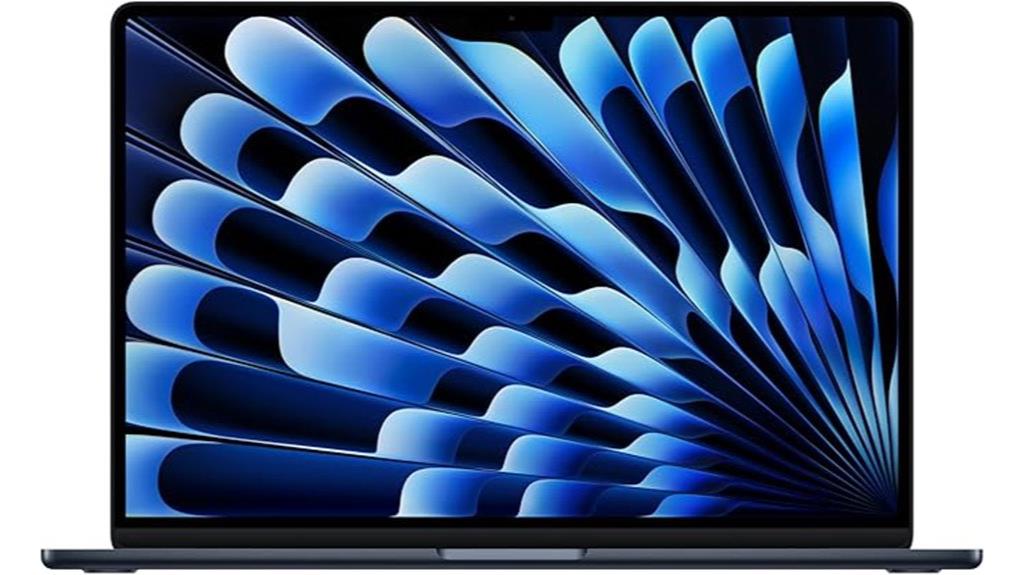
If you’re looking for a portable yet powerful laptop that can handle multitasking, creative work, and entertainment seamlessly, the Apple MacBook Air 15-inch with M4 chip is an excellent choice. Its 15.3-inch Liquid Retina display supports a billion colors, offering rich contrast and sharp detail. Powered by the M4 chip, it delivers increased speed and smooth performance for video editing, gaming, and multitasking. With up to 18 hours of battery life, it keeps you productive all day. The device features a 12MP Center Stage camera, six-speaker system with Spatial Audio, and connectivity options like Thunderbolt 4, Wi-Fi 6E, and MagSafe charging.
Best For: professionals, creatives, and students seeking a portable, powerful laptop with excellent display quality and seamless Apple ecosystem integration.
Pros:
- Stunning 15.3-inch Liquid Retina display with support for a billion colors
- Powerful M4 chip delivers fast multitasking and smooth performance
- Long battery life of up to 18 hours for all-day productivity
Cons:
- Limited to 16GB of unified memory, which may be insufficient for very heavy workflows
- Only two Thunderbolt 4 ports, potentially requiring additional adapters for peripherals
- Higher price point compared to some other ultraportable laptops
Apple 2025 MacBook Air 15-inch Laptop with M4 Chip
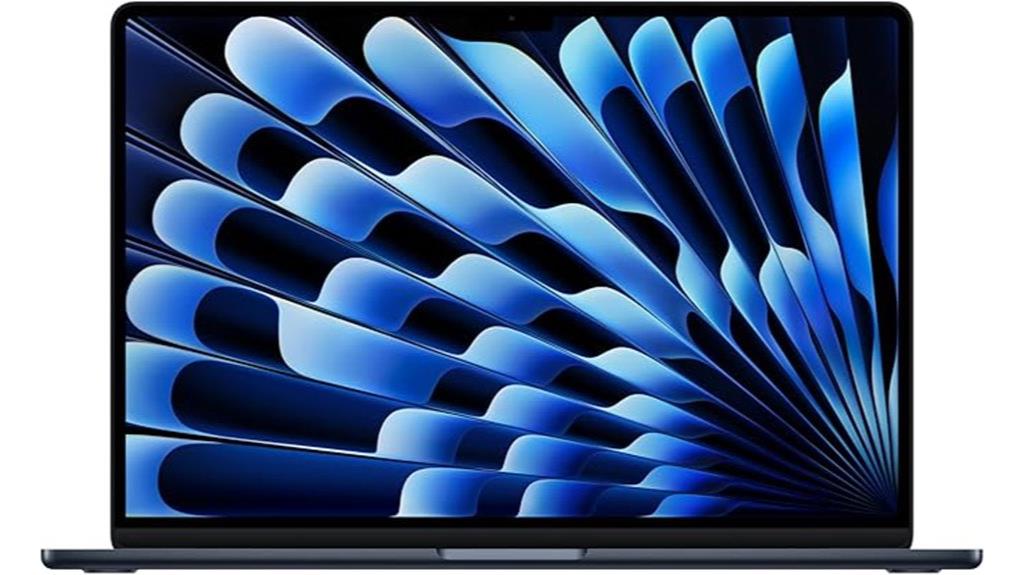
The Apple 2025 MacBook Air 15-inch with the M4 chip is an excellent choice for anyone who needs a portable yet powerful laptop for both work and entertainment. Its 15.3-inch Liquid Retina display shows rich colors, sharp details, and crisp text, making media and visuals stand out. Powered by the M4 chip, it offers increased speed, smooth multitasking, and impressive responsiveness, whether you’re editing videos or gaming. With up to 18 hours of battery life, it stays reliable all day. Features like the 12MP camera, six speakers with Spatial Audio, and seamless Apple ecosystem integration make it versatile and perfect for on-the-go use.
Best For: users seeking a lightweight, high-performance laptop that excels in multitasking, media creation, and entertainment on the go.
Pros:
- Stunning 15.3-inch Liquid Retina display with vibrant colors and sharp details
- Powerful M4 chip ensures smooth performance for various tasks, including gaming and video editing
- Long-lasting battery life of up to 18 hours for all-day productivity and entertainment
Cons:
- Limited to two external displays, which may not suffice for professional multi-monitor setups
- Only two Thunderbolt 4 ports, potentially restricting peripheral connectivity options
- Premium price point might be a consideration for budget-conscious buyers
Apple 2025 MacBook Air 13-inch Laptop with M4 Chip
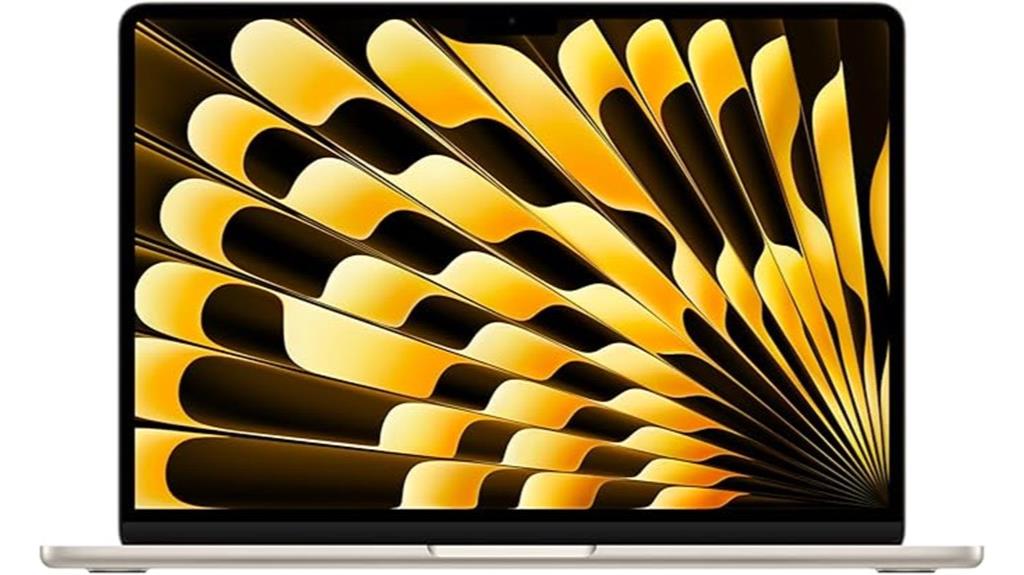
For anyone seeking a powerful yet portable laptop with a stunning display and advanced media capabilities, the 13-inch MacBook Air with the M4 chip is an excellent choice. It features a vibrant 13.6-inch Liquid Retina display with 2560×1664 resolution, supporting a billion colors and 500 nits brightness. The four-speaker system with Spatial Audio and Dolby Atmos, plus a 12MP camera with Desk View, ensures top-tier media experiences. Powered by the M4 chip’s 10-core CPU and 8-core GPU, it offers impressive performance, up to 18 hours of battery life, and seamless connectivity with Thunderbolt 4, MagSafe 3, and Wi-Fi 6E.
Best For: individuals seeking a lightweight yet powerful laptop with a stunning display, advanced media features, and seamless Apple ecosystem integration.
Pros:
- Vibrant 13.6-inch Liquid Retina display with high resolution and color accuracy
- Long battery life of up to 18 hours for all-day use
- Robust performance with the M4 chip’s 10-core CPU and 8-core GPU
Cons:
- Premium price point compared to budget laptops
- Limited port selection with only two Thunderbolt 4 ports and MagSafe 3
- No options for upgrading hardware components post-purchase
Apple MacBook Air 15-inch Laptop with M4 Chip
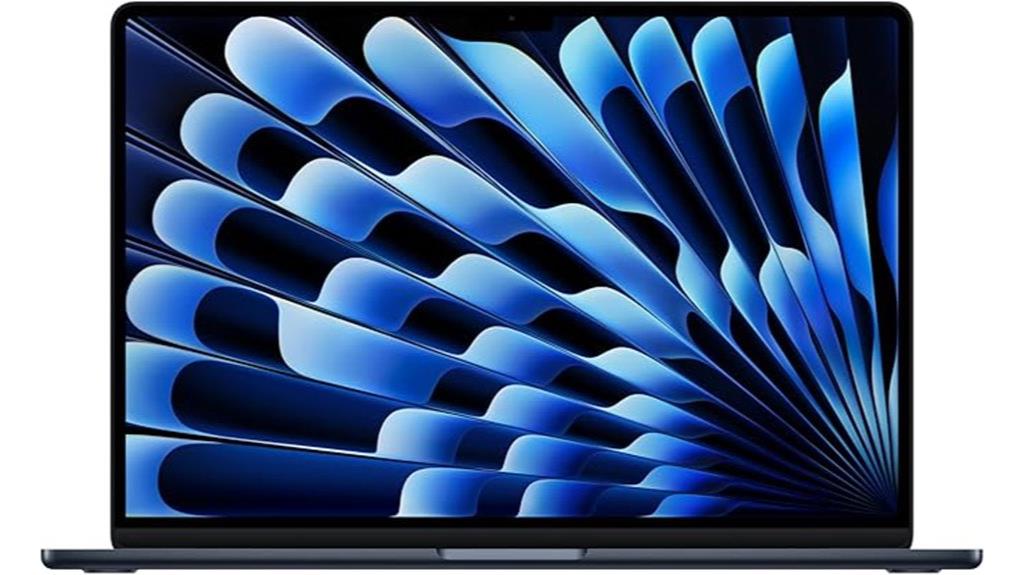
With its powerful M4 chip and stunning 15.3-inch Liquid Retina display, the MacBook Air 15-inch is an excellent choice for anyone who needs a portable yet high-performance laptop. The M4 chip boosts speed, multitasking, and graphics, supporting demanding tasks like video editing and gaming. It offers up to 18 hours of battery life, ensuring reliable performance all day. The display supports a billion colors for vibrant visuals, complemented by immersive audio with six speakers and Spatial Audio. Connectivity options include Thunderbolt 4, Wi-Fi 6E, and support for two external displays, making it a versatile device for work and entertainment.
Best For: professionals and students seeking a high-performance, portable laptop with stunning visuals and seamless Apple ecosystem integration.
Pros:
- Powerful M4 chip delivers exceptional speed, multitasking, and graphics performance
- Bright 15.3-inch Liquid Retina display with vibrant color support and crisp detail
- Long-lasting battery life of up to 18 hours for all-day productivity and entertainment
Cons:
- Limited to two external display support, which may be restrictive for some users
- Premium price point could be a barrier for budget-conscious buyers
- Lacks traditional ports like USB-A, requiring adapters for certain peripherals
Apple MacBook Air 13-inch Laptop with M4 Chip
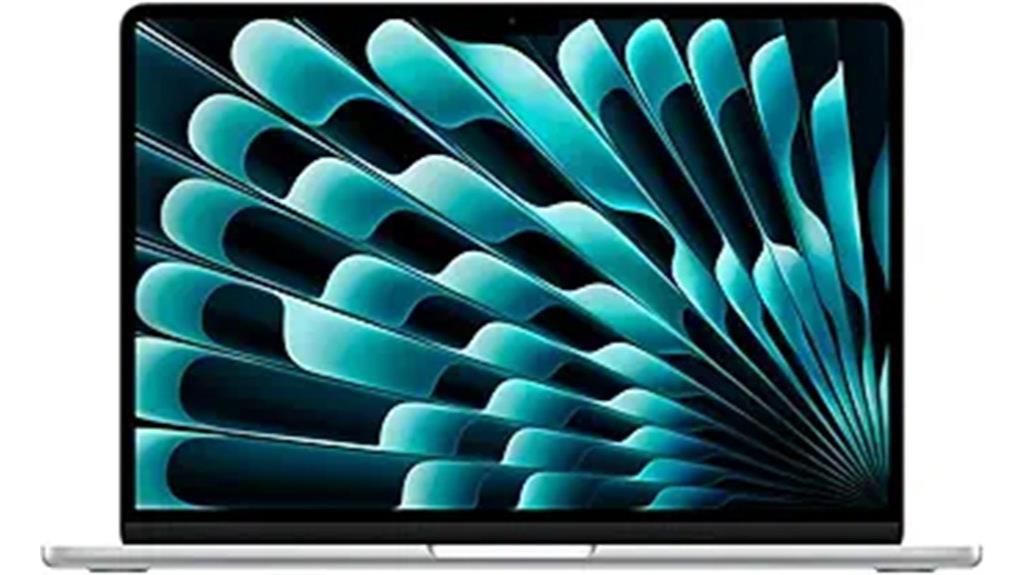
If you’re looking for a lightweight yet powerful laptop that excels in portability and performance, the Apple MacBook Air 13-inch with M4 chip is an ideal choice. Its 13.6-inch Liquid Retina display offers stunning color accuracy, sharp detail, and rich contrast, making it perfect for creative work and entertainment. Powered by the M4 chip, it delivers fast, fluid multitasking and efficient performance for demanding tasks like video editing and gaming. With up to 18 hours of battery life, a 12MP camera, four speakers with Spatial Audio, and seamless integration with other Apple devices, it’s a versatile and reliable companion for on-the-go users.
Best For: creative professionals, students, and on-the-go users seeking a lightweight yet powerful laptop with excellent display and seamless Apple ecosystem integration.
Pros:
- Stunning 13.6-inch Liquid Retina display with vibrant colors and sharp detail
- Powerful performance with Apple M4 chip enabling multitasking and demanding tasks
- Long battery life of up to 18 hours for extended use
Cons:
- Limited ports with only two Thunderbolt 4 ports and a headphone jack, requiring adapters for some peripherals
- Higher price point compared to some other ultrabooks with similar specs
- No dedicated GPU, which may affect performance in high-end gaming or intensive graphic tasks
Apple 2025 MacBook Air 13-inch Laptop with M4 Chip
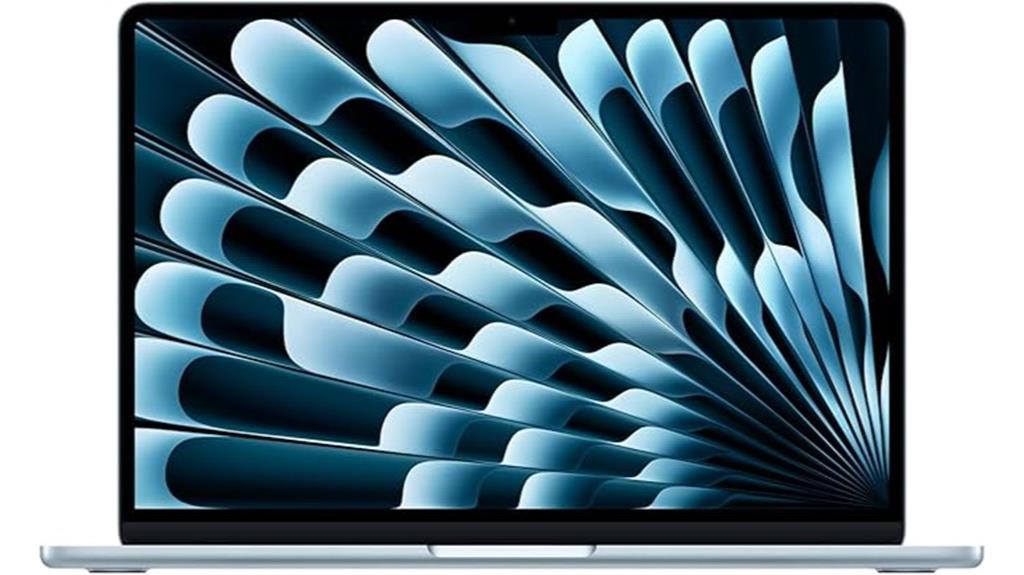
Looking for a powerful, portable laptop that combines sleek design with impressive performance? The Apple 2025 MacBook Air 13-inch with M4 chip is exactly that. Its 13.6-inch Liquid Retina display supports a billion colors, offering sharp details and rich contrast, perfect for creative work or media consumption. With the M4 chip, it handles multitasking, video editing, and gaming effortlessly, all while providing up to 18 hours of battery life. The Sky Blue color adds a fresh touch. Plus, features like the 12MP Center Stage camera, spatial audio, and seamless Apple ecosystem integration make it a versatile, stylish choice for on-the-go users.
Best For: creative professionals, students, and on-the-go users seeking a sleek, powerful laptop with excellent display and battery life.
Pros:
- Vibrant 13.6-inch Liquid Retina display supports a billion colors for sharp visuals and rich contrast
- Powerful M4 chip delivers fast, fluid performance for multitasking, editing, and gaming
- Up to 18 hours of battery life ensures long-lasting usage throughout the day
Cons:
- Limited to two external displays, which may not be sufficient for advanced multi-monitor setups
- Sky Blue color option might not appeal to all users seeking more traditional hues
- Fewer ports (only two Thunderbolt 4 ports and a headphone jack) could require additional adapters for certain peripherals
Factors to Consider When Choosing 15-Inch MacBook Air Configurations

When choosing a 15-inch MacBook Air, I consider factors like display quality and size to guarantee it meets my visual needs. I also evaluate processor performance, battery life, storage options, and ports to match my daily tasks. Keeping these points in mind helps me select the best configuration for my usage.
Display Quality and Size
Have you considered how display quality and size influence your everyday experience with the 15-inch MacBook Air? The Liquid Retina display supports a billion colors, making visuals vibrant and accurate. Its larger size offers more workspace, boosting productivity and enhancing multimedia enjoyment. The high resolution and rich contrast ensure images and videos are sharp and crisp, even in detail. True Tone technology adjusts the color temperature automatically, providing natural viewing in various environments. A bigger display not only improves visibility but also reduces eye strain during long sessions, especially for creative tasks like editing photos or videos. Overall, the display’s quality and size play an essential role in delivering a comfortable, immersive, and visually stunning user experience.
Processor Performance Needs
Choosing the right processor for your 15-inch MacBook Air depends on how you plan to use it. If you’re into demanding tasks like video editing or gaming, I recommend a higher-performance processor like the M4 chip with a 10-core CPU and 8-core GPU. This setup handles intensive workloads smoothly. For everyday multitasking and productivity, a processor with more efficiency cores offers better battery life and responsiveness. If your work involves creative applications or AI-based tasks, look for configurations with hardware-accelerated media engines and neural engines, which speed up rendering and AI tasks. Remember, the M4 chip’s integrated architecture strikes a good balance between speed and power efficiency, making it versatile for both work and entertainment. Your choice should align with your specific performance needs.
Battery Life Expectations
Battery life on the 15-inch MacBook Air with an M4 chip can reach up to 18 hours under ideal conditions, but several factors influence how long it lasts in real-world use. Your actual battery life depends on things like screen brightness, the applications you run, and wireless activity. Heavy tasks such as video editing or gaming tend to drain the battery faster compared to lighter activities like browsing or writing documents. The device supports fast-charging, so you can quickly top up the battery when needed. Additionally, proper power management settings and keeping your software up to date can help extend battery life over time. Understanding these factors helps you set realistic expectations and choose the right configuration for your needs.
Storage and Memory Options
When selecting storage and memory options for the 15-inch MacBook Air, it’s important to contemplate how you’ll use the device. If you handle large files, intense multitasking, or professional workflows like video editing, opting for 24GB of RAM can markedly improve responsiveness and efficiency. Storage choices, such as 512GB SSD, provide ample space for media libraries, applications, and data, and upgrading can boost transfer speeds and external device performance. Keep in mind, larger capacities usually mean a higher price, but they’re essential for demanding tasks or extensive media collections. Balancing your needs with your budget ensures you get a configuration that handles your workload without compromise, making your MacBook Air both powerful and future-proof.
Connectivity and Ports
To make the most of your 15-inch MacBook Air, it’s important to evaluate its connectivity and ports. Verify it has enough Thunderbolt 4 ports to support your external devices and data transfer needs, especially if you plan to connect multiple peripherals. The MagSafe charging port offers safe, easy power management, so check its presence. A headphone jack is essential for wired audio without needing adapters, adding convenience. Check if the device supports Wi-Fi 6E and Bluetooth 5.3 for faster, more reliable wireless connections. If you require expanded workspace, confirm support for multiple external displays—up to two. These features collectively enhance your workflow, connectivity options, and overall usability of your MacBook Air.
Ecosystem Compatibility
Choosing a 15-inch MacBook Air that fits seamlessly into your existing Apple ecosystem can substantially boost your productivity and convenience. When your MacBook supports features like iPhone Mirroring, Handoff, and Universal Control, you can move effortlessly between devices, sharing files, messages, and calls with minimal effort. Compatibility with the latest macOS ensures you stay current with new features and security updates, maximizing your device’s longevity. If your MacBook Air is within the same ecosystem as your iPhone or iPad, features like AirDrop and Continuity work smoothly, saving time and reducing frustration. Confirming your configuration supports these ecosystem features helps you leverage the full potential of your Apple devices, making your workflow more efficient and integrated.
Security and Privacy Features
Security and privacy features are essential considerations when selecting a 15-inch MacBook Air, as they directly impact how well your device safeguards your sensitive data. The MacBook Air includes Touch ID, allowing secure fingerprint authentication for quick logins and authorizations. macOS offers advanced privacy protections that shield your data from unauthorized access, even from Apple itself. Hardware encryption and the secure enclave technology guarantee your sensitive information stays protected during storage and transmission. You also have control over app permissions, location sharing, and access to your camera and microphone, giving you full oversight of your privacy. Plus, seamless integration within the Apple ecosystem enhances security by enabling secure device-to-device communication and data sharing, making privacy a built-in priority.
Frequently Asked Questions
How Does Battery Life Vary Between Different 15-Inch Macbook Air Configurations?
Battery life varies between different 15-inch MacBook Air configurations, mainly depending on the processor and screen brightness. I’ve noticed models with M2 chips tend to last longer, often around 15-18 hours, while those with higher refresh rates or more powerful processors may see slightly reduced endurance. I recommend balancing performance and battery needs by choosing configurations with efficient chips and adjusting brightness to extend your device’s longevity.
Are There Significant Performance Differences Between M4 Chip Options?
Did you know the M4 chip options can deliver up to 20% faster performance? I’ve found that the main difference lies in their processing power; the higher-tier M4 chips handle intensive tasks like video editing and gaming much more smoothly. If you’re a power user, opting for the top M4 configuration makes a noticeable difference, ensuring your MacBook Air keeps up with demanding applications without lag.
Which Storage Options Are Ideal for Professional Use Cases?
For professional use, I recommend opting for at least 512GB of storage. If you handle large files, video editing, or extensive projects, 1TB or more is ideal to guarantee smooth workflow without constant backups or external drives. I personally prefer the higher options to avoid limitations and keep my work accessible and fast. Remember, investing in more storage now can save you headaches later.
How Does Screen Resolution Impact Visual Experience on 15-Inch Models?
Screen resolution greatly affects your visual experience on a 15-inch MacBook Air. Higher resolutions mean sharper images and text, making it easier to work on detailed projects or enjoy media. With a better resolution, I notice more vibrant colors and clearer details, which enhances my overall experience. If you often edit photos or watch high-definition videos, opting for a higher resolution will make your visuals much more enjoyable and precise.
What Are the Key Portability Features of the 15-Inch Macbook Air?
The 15-inch MacBook Air’s key portability features include its lightweight design, weighing around 3.3 pounds, and slim profile, making it easy to carry around all day. The sturdy aluminum chassis adds durability without bulk. Plus, its long battery life guarantees I can work or stream without constantly searching for an outlet. Overall, it strikes a perfect balance between screen size and portability for on-the-go use.
Conclusion
Just like Alice’s curious journey through Wonderland, exploring these MacBook Air configurations is an adventure. Whether you’re chasing performance or portability, I hope this guide helps you find your perfect match. Remember, the right choice isn’t just about specs—it’s about how it fits into your story. So go ahead, take the leap, and discover the magic behind your next MacBook Air. Your tech wonderland awaits!