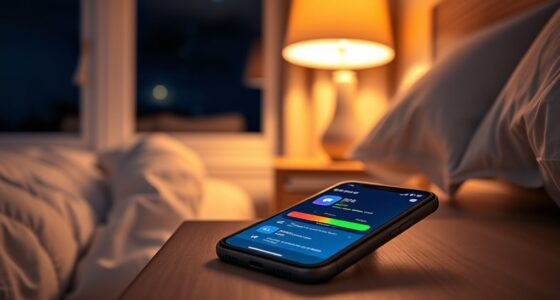

To set up the Bedtime Focus on your phone in just three minutes, open your phone’s settings or health app and find the Bedtime or Focus feature. Customize it to match your sleep schedule, choosing start and end times, and select calming wallpapers or disable notifications. This helps cut screen time before bed, reduces blue light, and creates a relaxing environment. Keep going to discover tips on making the most of this feature for better sleep.
Key Takeaways
- Open your phone’s settings or health app and locate the Bedtime Focus or Sleep mode feature.
- Set your desired sleep and wake times, enabling automatic activation nightly.
- Customize options such as calming wallpapers and disabling notifications for a relaxing environment.
- Save your settings to activate Bedtime Focus, which limits screen use before sleep.
- Enjoy improved sleep quality and mental relaxation with minimal setup in just a few minutes.
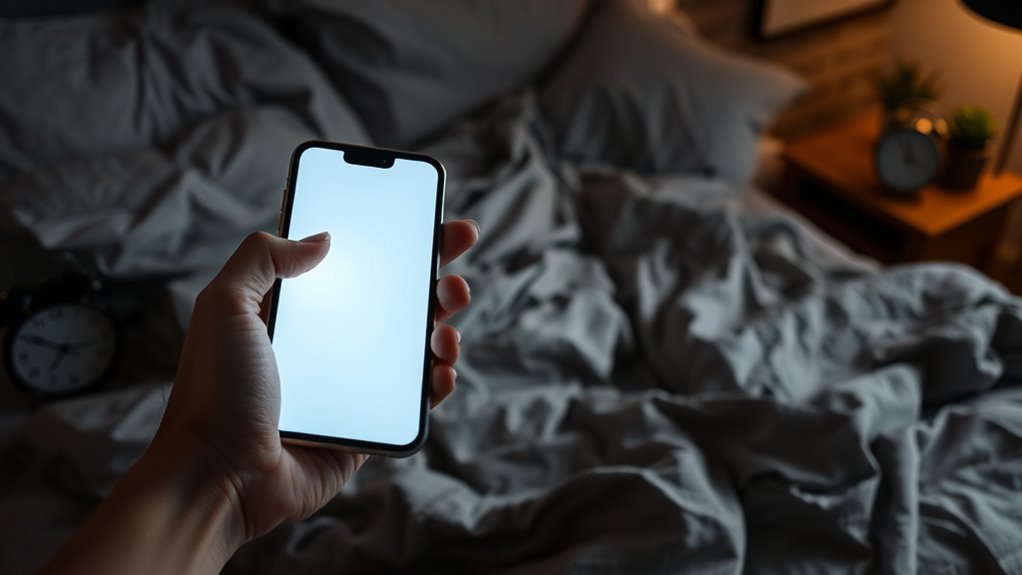
If you find yourself scrolling through your phone late at night, setting up a bedtime focus feature can help you wind down more effectively. This feature is designed to limit your screen time and create a calm environment before sleep, which is essential for improving your sleep quality. When you’re glued to your device right before bed, the blue light emitted by screens can interfere with your body’s natural sleep signals, making it harder to fall asleep and stay asleep. By activating bedtime focus, you signal to your phone—and yourself—that it’s time to relax, reducing the temptation to keep scrolling.
Getting your bedtime focus set up takes just about three minutes, but the benefits can last all night. You’ll start by opening your phone’s settings or health app, where most devices have a dedicated feature for this purpose. Once you locate the bedtime focus or similar feature, you can customize it to match your usual sleep schedule. Setting consistent start and end times trains your device to automatically activate this mode, giving you a routine that reduces your exposure to screens when you need rest the most. You can also select a calming wallpaper or disable notifications during this period, so you aren’t disturbed by alerts or messages that might tempt you to pick up your phone again.
Using the bedtime focus feature helps you cut down on unnecessary screen time during those crucial pre-sleep hours. Less screen time means less blue light exposure, which helps your body produce melatonin more naturally. As a result, your sleep quality improves because you fall asleep faster and experience more restful sleep cycles. When you avoid screens, you give your mind a chance to unwind, reducing mental stimulation that can hinder your ability to drift off. Plus, this focus mode often silences notifications or shifts them to a Do Not Disturb state, preventing interruptions that could wake you up during the night.
Incorporating a bedtime focus is a simple yet effective step toward healthier sleep habits. It’s about setting boundaries for your device use and prioritizing your rest. Once activated, it helps establish a routine that trains your brain to see your phone as a sleep cue rather than a distraction. Over time, you’ll notice your sleep quality improves, leaving you more refreshed and alert during the day. So, in just a few minutes, you can create a tool that supports your overall well-being, making it easier to disconnect and get the rest you need.
Enhancing sleep quality with screen management can be particularly beneficial for caregivers, who often need restorative rest to better support their loved ones.

VISIONHMD Bigeyes H1 Head Mounted Display – 3D Side-by-Side Video, HD Big Screen, HDMI Interface, Lightweight & Compact. Enjoy Movies Privately for Men, Travel, Camping, Bedtime Film Mode
- 3D Personal Cinema: Enjoy immersive 3D and 2D movies
- Dual-eye Independent Display: Creates a 300-inch immersive 3D view
- Wide Compatibility: Connects to various video devices
As an affiliate, we earn on qualifying purchases.
As an affiliate, we earn on qualifying purchases.
Frequently Asked Questions
Can I Customize Bedtime Focus Settings for Different Days?
Yes, you can customize bedtime focus settings for different days. Your device offers flexibility with scheduling options, allowing you to set different start and end times for each day. This customization makes it easier to adapt to your weekly routine. Simply access your focus settings, choose the days you’d like to customize, and adjust the times accordingly. This way, you maintain scheduling flexibility while staying aligned with your sleep goals.
Will Enabling Bedtime Focus Affect My Alarm or Notifications?
Enabling Bedtime Focus won’t disrupt your alarm, so you can sleep peacefully without worrying about missing it. However, it will silence notifications, preventing interruptions during your sleep hours. This feature is designed to help you unwind and rest better by minimizing distractions, but make sure your alarm is set correctly beforehand. You won’t experience alarm disruptions, and notifications stay silenced until you disable Bedtime Focus.
How Do I Disable Bedtime Focus if I Change My Mind?
To disable Bedtime Focus, you simply need to adjust your focus settings. Open your Focus or Do Not Disturb menu, then select Bedtime Focus. From there, you can turn it off or modify its schedule. Disabling notifications during this focus mode won’t affect your alarm, but it will stop notifications from disturbing you. Remember, adjusting focus settings is quick and easy, giving you control over your notification preferences anytime you change your mind.
Is Bedtime Focus Available on All Phone Models?
Not all phones support Bedtime Focus, as device compatibility varies, especially with older models. If your device isn’t compatible, you might find app restrictions limit its features or availability. Before setting it up, check your phone’s software version and settings. If it’s unavailable, consider updating your device or exploring alternative focus modes to help you wind down, ensuring you get the most out of your device’s features.
Can I Schedule Automatic Activation of Bedtime Focus?
Yes, you can schedule automatic activation of Bedtime Focus. You just need to set a specific time in your phone’s Focus settings, and it’ll turn on automatically, helping you reduce screen time before bed. This feature also integrates with sleep tracking, so you get better insights into your sleep patterns. By scheduling it, you guarantee consistent sleep routines, making it easier to wind down and improve your overall sleep quality.

TIJN Sleep Glasses with Blue Green Light Blocking, Red Light Lens for Computer Gaming, Screen Fatigue & UV Protection
- Blue-Light Filtering: Red lenses reduce blue and green light
- Classic Square Frame: Unisex design suits any style
- Screen Use Optimization: Ideal for long computer and mobile sessions
As an affiliate, we earn on qualifying purchases.
As an affiliate, we earn on qualifying purchases.
Conclusion
By setting up Bedtime Focus in just three minutes, you can improve your sleep habits effortlessly. Did you know that using your phone before bed can delay sleep by up to 30 minutes? Taking control of your screen time with this feature can help you wind down faster and wake up feeling refreshed. So, why not give it a try tonight? A simple change like this could markedly boost your overall well-being and sleep quality.

"Screen of Serenity: Calming & Relaxing Watercolor Wallpapers for Smartphones"
As an affiliate, we earn on qualifying purchases.
As an affiliate, we earn on qualifying purchases.

Prox PRD – Phone Separation Alert Device | Stop Forgetting or Leaving Phone Behind at Home, Work, Restaurant, or Car | Proximity Alert Notification Approx 50-150ft | Stay Connected | No Subscription
- Effective Phone Separation Alert: Alerts when leaving proximity of your phone
- No Subscription or App Needed: Privacy-focused, no data collection or registration
- Range of 50-150 Feet: Detects when you move beyond set distance
As an affiliate, we earn on qualifying purchases.
As an affiliate, we earn on qualifying purchases.