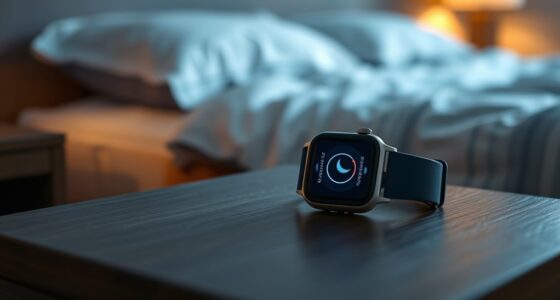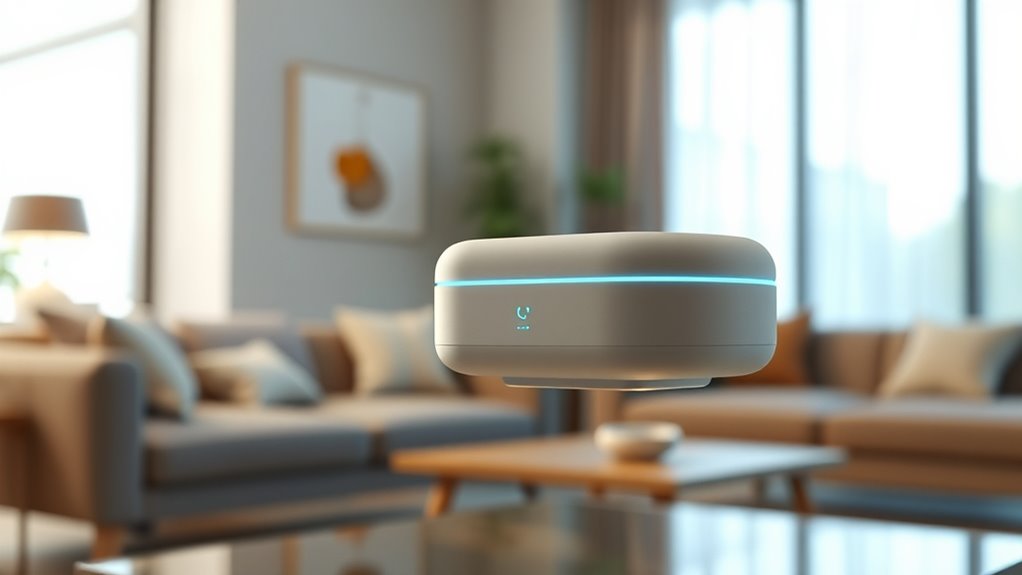

To start and stop your white noise without touching a screen, you can use smart home automation integrated with voice commands or scheduling features. Connecting your white noise machine to Alexa, Google Home, or other voice assistants lets you control sounds hands-free. You can set routines that turn the noise on at bedtime and off in the morning automatically. If you want to explore more ways to make your environment seamlessly responsive, keep going to discover additional tips.
Key Takeaways
- Integrate your white noise machine with voice assistants like Alexa or Google Home for hands-free control.
- Use scheduled automation through smart home apps to start and stop sounds automatically.
- Enable routines or scenes that trigger sound playback with a single voice command or device action.
- Connect your device with smart home hubs for seamless, touchless operation across multiple devices.
- Program sound fade-in and fade-out features to enhance relaxation without manual adjustments.
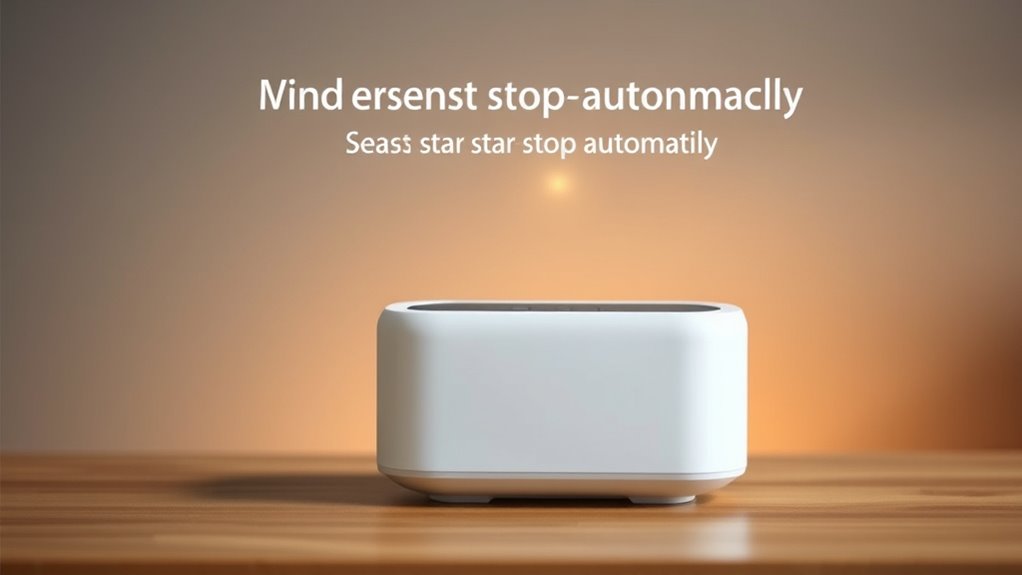
Have you ever wondered how automation can make your daily routines more seamless? Imagine a world where you don’t have to fumble for your phone or press buttons to start or stop white noise sounds. Instead, your smart home integration effortlessly handles it for you, creating a calming environment without any manual effort. With automation, you can set up your system to respond to your needs—whether that’s turning on soothing sounds as you wind down or stopping them when you’re ready to sleep. No more searching for remote controls or dealing with confusing apps; your home adapts to your routines naturally.
Automate your white noise for effortless, seamless relaxation and sleep routines.
Using smart home integration, you can connect your white noise machine to voice assistants like Alexa or Google Home. With simple voice commands, you can ask your device to start playing relaxing sounds or to stop when you’re ready for silence. This hands-free approach not only simplifies your routine but also enhances your overall experience. No matter if your hands are full or you’re lying in bed, just speak a command, and your system responds immediately. It’s about making tranquility accessible at a moment’s notice, seamlessly blending technology with your lifestyle.
In addition to basic sound playback, you can incorporate sound therapy techniques into your automation setup. For example, you might set your system to gradually increase the volume of calming ocean waves or gentle rain as part of your bedtime routine. Conversely, you can program it to fade out sounds slowly when you’re waking up or leaving the room. These techniques help reinforce relaxation, improve sleep quality, and create a more personalized environment. By integrating sound therapy into your automation, you’re not just playing white noise; you’re crafting an experience tailored to your preferences.
Furthermore, automation allows for scheduling and routines that align with your daily life. Set your system to start playing soothing sounds at a specific time each evening, so you don’t have to think about it. When it’s time to get up, your system can automatically stop the sounds, helping you wake peacefully. This level of control encourages consistency, which is essential for better sleep and stress reduction. Plus, with the ability to customize sound profiles, you can switch between different types of ambient noises depending on your mood or activity.
In essence, white noise automation, combined with smart home integration and sound therapy techniques, transforms a simple comfort into a sophisticated, effortless experience. It removes the hassle of manual control and replaces it with intuitive, responsive technology that adapts to your lifestyle. Whether you’re winding down after a long day or seeking a peaceful start to your morning, automation ensures your environment is always just right—without you ever needing to touch a screen. Integrating smart home devices can further enhance the experience by allowing you to control multiple aspects of your environment simultaneously.

14,000 BTU Portable Air Conditioners, Cools Large Room Up to 700 Sq.Ft, 3-in-1 AC Unit with Dehumidifier & Fan, Remote Control, Quiet Sleep Mode, Energy Efficient for Home Office Garage
- Powerful 14,000 BTU for Large Rooms: Cools up to 700 sq.ft.
- High-Efficiency Dehumidifier: Removes 90 pints of moisture daily
- Remote Control & Programmable Timer: Adjusts settings remotely with 24-hour scheduling
As an affiliate, we earn on qualifying purchases.
Frequently Asked Questions
Can White Noise Automation Work With All Smart Home Devices?
White noise automation can work with many smart home devices, but device compatibility varies. You’ll want to check if your devices support the automation platform you’re using. Keep in mind, privacy concerns might arise if your automation system accesses sensitive data. To guarantee smooth operation, choose compatible devices and review privacy settings, so you can enjoy hands-free noise management without risking your personal information.
Is It Possible to Customize Sound Profiles for Different Times?
Yes, you can customize sound profiles for different times, turning your white noise into a chameleon that adapts to your day. With sound profile customization and time-based settings, you set the perfect ambiance for waking up, working, or sleeping. Imagine your environment shifting seamlessly, like a symphony that follows your schedule. Activate these features in your automation system, and enjoy a tailored soundscape that evolves with your daily rhythm.
How Secure Is Voice-Activated White Noise Control?
Voice-activated white noise control can be quite secure, but you should be aware of privacy concerns. Your device’s voice recognition accuracy varies, so it might sometimes misinterpret commands or pick up background noise. To stay safe, guarantee your device has strong encryption and privacy settings. Regularly update your software, and use voice training features to improve recognition. This way, you balance convenience with protecting your personal data.
Can Automation Be Scheduled for Specific Days or Events?
Yes, automation can be scheduled for specific days or events. Think of it as setting a personal assistant to work on your timetable, using timing options and event triggers. You can program your white noise system to activate at certain times or during special occasions, ensuring a seamless experience. This flexibility helps you enjoy consistent noise control tailored to your schedule and events, no manual effort needed.
What Are the Energy Savings Benefits of Automation?
Automation boosts your energy efficiency by ensuring devices run only when needed, reducing unnecessary power consumption. This targeted control helps lower your energy bills and minimizes waste. By scheduling or remotely managing your appliances, you experience significant cost reduction over time. You’ll enjoy a more sustainable lifestyle while saving money, all without manual effort. Embrace automation to optimize energy use and achieve better cost efficiency effortlessly.

TECXERLLON 15,000 BTU Portable Air Conditioner for Large Room up to 800 Sq. Ft., Quiet 48dB 4-in-1 AC Unit with Dehumidifier, Self-Evaporating, Sleep Mode, Remote & Window Kit
- Cooling Capacity: 15,000 BTU for large rooms up to 800 sq. ft.
- Multi-Function 4-in-1: Cooling, dehumidifying, fan, sleep modes
- High Dehumidification: Removes up to 100 pints of moisture daily
As an affiliate, we earn on qualifying purchases.
Conclusion
By automating your white noise, you create a seamless sleep environment that adjusts effortlessly to your needs. Did you know that nearly 70% of adults report better sleep when using sound machines? With automation, you can enjoy consistent comfort without lifting a finger, making restful nights more achievable than ever. Embrace this technology and transform your sleep routine—because everyone deserves peaceful, uninterrupted rest.

BLACK+DECKER Smart Portable Air Conditioner, 14,000 BTU, BPACT14WT, White
- Multi-Function 3-in-1 Unit: Cooling, dehumidifying, and fan modes
- Portable Design: Fits rooms up to 700 sq. ft.
- Smart Voice Control: Compatible with Alexa and Google Assistant
As an affiliate, we earn on qualifying purchases.

DREO Portable Air Conditioner 318S, 8000 BTU ASHRAE (5000 BTU DOE) Smart AC Unit for Bedroom with Drainage-free Cooling, Fan&Dehumidifier 3 in 1, APP/Voice/Remote, Quiet Standing AC for Room Indoors
- Powerful Cooling Coverage: Cools up to 14 ft away with 8000 BTU
- Versatile 3-in-1 Functionality: Cooling, Fan, and Dry modes with multiple controls
- Quiet Operation: Operates at just 45dB for peaceful use
As an affiliate, we earn on qualifying purchases.